Cute Script Review: A Designer's Take
As a designer who has worked with countless fonts across various projects, I’ve come to appreciate the importance of a typeface that not only looks good but also functions well in real-world applications. Cute Script is one such font that offers a charming, handcrafted aesthetic, but its practicality depends heavily on how it’s used. This review dives into the strengths and limitations of Cute Script from a professional designer’s perspective, focusing on its suitability for branding, marketing, and creative projects.
The First Impression: A Playful yet Polished Feel
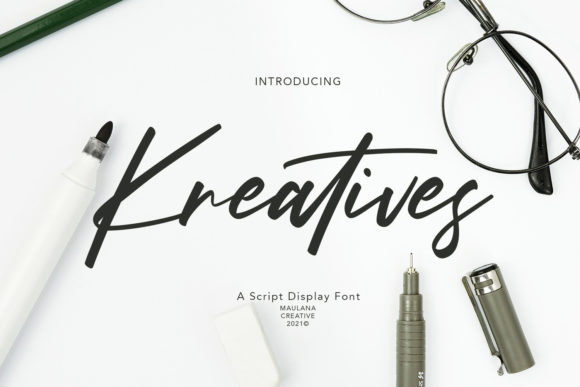
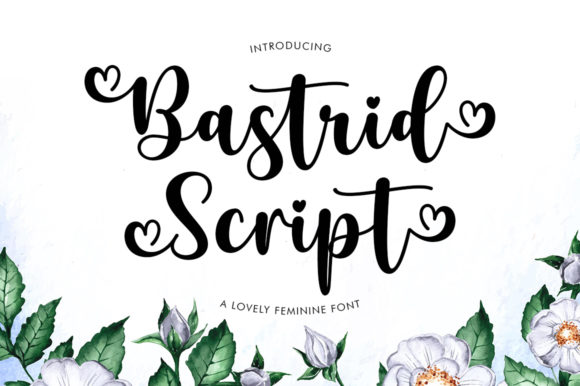
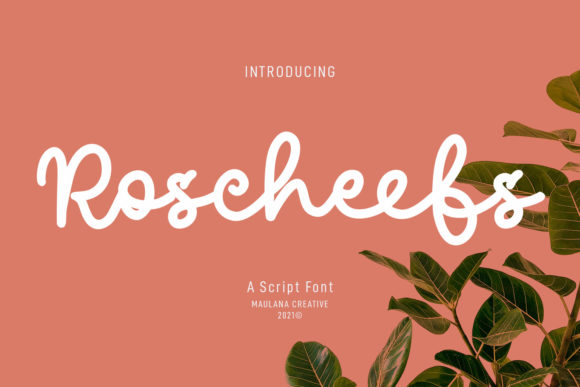
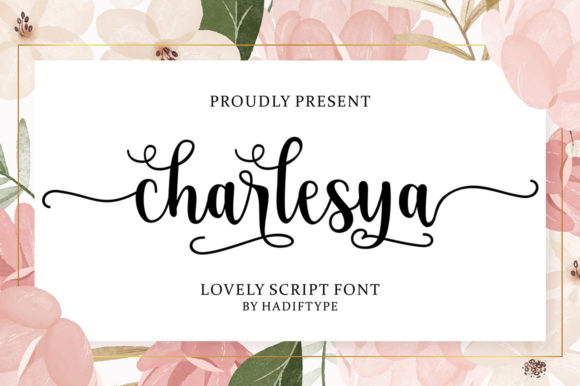
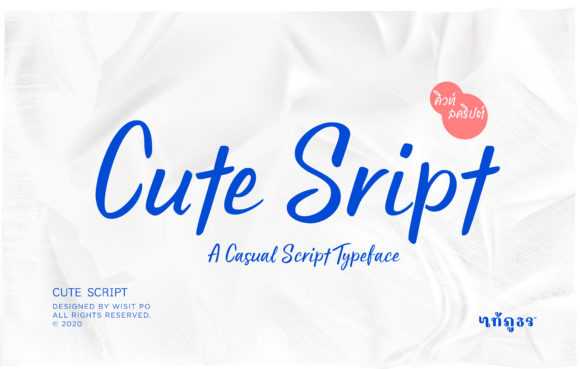
Cute Script immediately conveys a sense of warmth and approachability. The flowing, slightly irregular strokes give it a handmade quality that feels personal and inviting. It’s not overly ornate, but it carries a softness that makes it ideal for brands targeting younger audiences or those looking to convey a friendly, artisanal vibe.
The letterforms are expressive, with subtle variations in weight and stroke endings that add visual interest without becoming distracting. This makes Cute Script a strong candidate for projects where a touch of personality is needed, such as packaging design, social media graphics, or editorial layouts.
Real-World Use Cases: Where It Shines
In logo design, Cute Script can be effective when paired with a more structured typeface. It works best as a secondary element rather than the main headline, helping to create contrast and visual balance. For brand identity, it adds a human touch that can differentiate a brand from more rigid, corporate fonts.
Packaging design benefits from Cute Script’s charm, especially for products targeting children, beauty, or lifestyle niches. It can be used for product names, taglines, or decorative accents that reinforce a brand’s personality. However, it’s important to ensure legibility at smaller sizes, particularly on labels or promotional materials.
For web design, Cute Script is best suited for headers, buttons, or call-to-action elements. Its playful nature can enhance user engagement, but it should be used sparingly to avoid overwhelming the overall layout. When paired with a sans serif font like Helvetica or Arial, it creates a modern typography contrast that feels both stylish and functional.
In editorial design, Cute Script can be a great choice for headlines, quotes, or section dividers. It adds a unique flair without detracting from readability. However, it’s less suitable for body text due to its cursive style and inconsistent spacing.
Where to Be Cautious: Limitations and Best Practices
While Cute Script has many strengths, it’s not a one-size-fits-all solution. Large headlines, for example, can become difficult to read if overused. The script’s fluidity may cause letters to blend together, reducing clarity. This is especially true in commercial design assets or digital ads where quick comprehension is key.
Short phrases or brand marks that rely on clarity and precision may not benefit from Cute Script. In these cases, a more straightforward display font or a custom logotype would be more appropriate. Similarly, premium packaging or high-end branding might require a more sophisticated typeface that conveys luxury and professionalism.
Social media graphics can benefit from Cute Script’s visual appeal, but it’s important to test it in different formats and backgrounds. On dark or busy backdrops, the font may lose its legibility, making it less effective for captions or overlays.
Readability and Brand Consistency
One of the biggest concerns with any script font is readability, especially at smaller sizes. Cute Script performs reasonably well in this regard, but designers should always test it in black and white to see how it holds up without color or texture. This is crucial for printable design, digital products, or Canva templates that may be used in various contexts.
When used consistently across brand assets, Cute Script can help build recognition and emotional connection with the audience. However, overuse or improper pairing can dilute its impact. Designers should consider how it interacts with other typefaces, ensuring that it complements rather than competes with them.
For small business owners or digital sellers, Cute Script can be a valuable addition to their design toolkit. It adds a personal touch to marketing visuals, product listings, or social media posts. But before using it in client work, it’s essential to confirm the commercial licensing terms to avoid legal issues.
Practical Designer Notes: Testing and Pairing
Before finalizing any project with Cute Script, I recommend testing it in real mockups. Try it on different surfaces—paper, digital screens, fabric—and observe how it behaves in various lighting conditions. Pay attention to spacing between letters and lines, as script fonts often have uneven gaps that can affect the overall composition.
Compare uppercase and lowercase forms to see how they interact. Some script fonts look better in all caps, while others thrive in mixed-case settings. Also, experiment with pairing it against serif, sans serif, and other script fonts to find the right balance for your design.
Finally, remember that Cute Script is a creative font, not a substitute for a well-crafted typeface. It’s best used as a decorative accent or a highlight rather than the primary text. When used thoughtfully, it can elevate a design without compromising clarity or professionalism.
Final Thoughts: A Font with Character, Not a Solution for Everything
Cute Script is a font that exudes personality and charm, making it a great choice for specific design needs. It excels in areas that benefit from a warm, handcrafted feel, but it requires careful consideration when used in more formal or large-scale applications.
For designers, brand owners, and content creators, Cute Script can be a valuable tool when used appropriately. It’s a premium font that brings a unique visual mood to projects, but it’s not a replacement for a well-chosen, versatile typeface. As with any design decision, the key lies in understanding the context and audience.
If you’re looking for a creative font that adds a personal touch to your work, Cute Script is worth exploring. Just be sure to test it thoroughly and pair it wisely to achieve the desired effect without sacrificing clarity or impact.